
Can You Edit, Regenerate, and Branch Messages in Layla?

Yes. Every message in a Layla chat can be acted on individually — you can edit it, regenerate it, copy it, delete it, translate it, speak it, and more — by long-pressing the message (or tapping its overflow menu) to open the message actions menu. Not every action applies to every message: some make sense only for your own messages, others only for Layla's replies.
This guide covers what each action does, which messages it applies to, and where the entry points differ between Android and iOS. Because Layla runs fully on-device, all of these actions happen locally — nothing is sent anywhere to edit or regenerate a message.
How to open the message actions menu
There are two ways to reach the actions for a single message:
Long-press the message bubble. Press and hold on any message — yours or Layla's — until the message actions menu appears. This is the primary gesture and works throughout the chat view.
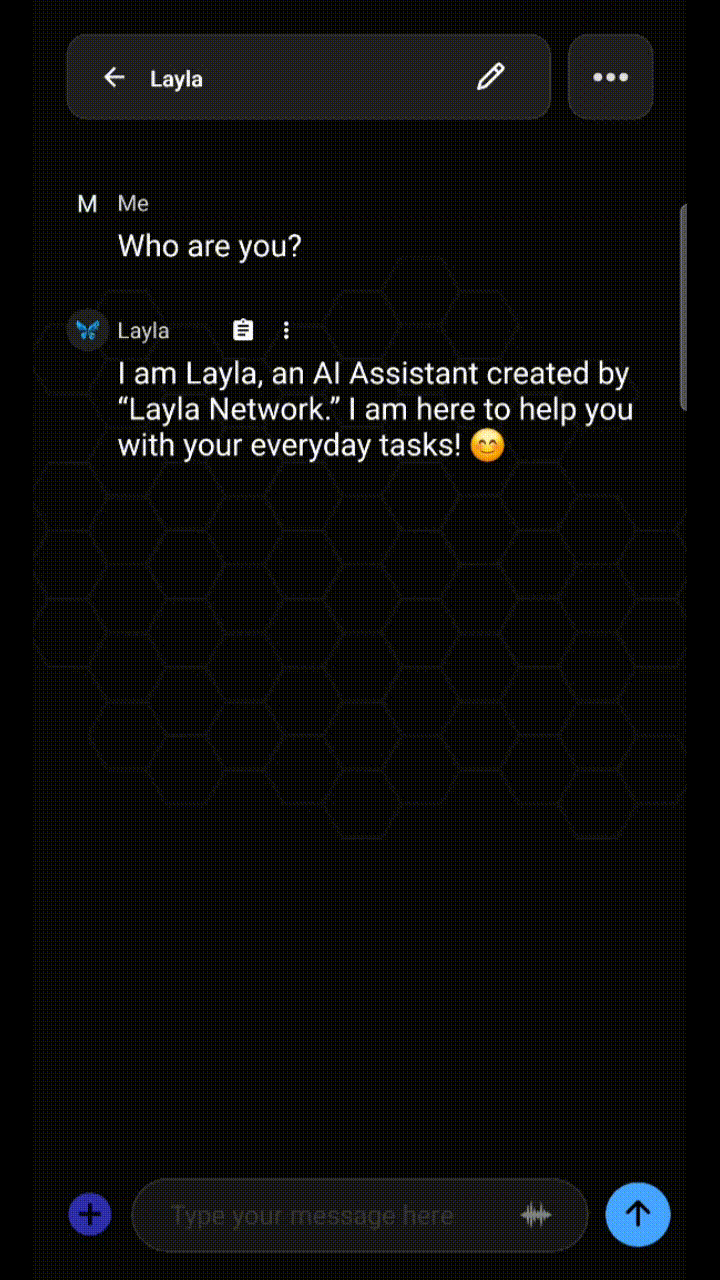
Tap the overflow menu. Some messages show a small three-dot (overflow) icon near the bubble. Tapping it opens the same set of actions without a long-press, which is useful when you want to be precise about which message you're acting on.

The menu is context-aware. Long-pressing one of your own messages surfaces actions that make sense for input (edit, copy, delete, quote, pin, branch), while long-pressing one of Layla's replies adds the generation actions (regenerate, retry). If an action doesn't appear on a particular message, it isn't available for that message type.
Here is a quick reference for what each action does and which messages it applies to:
Action | What it does | Applies to |
Edit | Change the text of a message in place | Your messages and Layla's replies |
Regenerate | Produce a new version of a reply | Layla's replies |
Continue | Continues a message that may have been cut-off | Layla's replies |
Copy | Copy the message text to the clipboard | Any message |
Delete | Remove the message from the conversation | Any message |
Speak | Use your current text-to-speech to speak the message aloud | Any message |
Editing a message
Editing lets you change the text of a message without starting over. Long-press the message, tap Edit, change the text, and confirm.
Editing works on both sides of the conversation. Editing one of your own messages is the common case: fix a typo, tighten a prompt, or change what you asked, then resend so Layla responds to the corrected version. Editing Layla's reply is useful in roleplay and writing, where you want to keep the parts of a response you like and adjust the rest by hand — steering the story rather than regenerating the whole thing.

When you edit and resend one of your own earlier messages, the replies that came after it are based on the original wording. Depending on how far back you edited, you may want to regenerate Layla's following reply so the conversation stays consistent.
Regenerating and retrying a response
Regenerate asks Layla to produce a new version of a reply. If a response misses the mark, long-press it and tap Regenerate to generate a fresh one. Regeneration is the main tool for improving output quality without rewriting your prompt.
Regenerated replies are typically kept as alternatives you can move between, so you can compare a new version against the previous one and settle on whichever you prefer rather than losing the original outright.
Because generation runs on your device, the speed of regenerating or retrying depends on your phone's hardware and the size of the model you have loaded, not on a network connection.
Deleting a message
Deleting removes a single message from the conversation. Long-press the message, tap Delete, and confirm. This is different from clearing an entire conversation or your whole history — delete acts on the one message you selected.
Deleting is useful for pruning a chat: removing a false start, a duplicated reply, or a message you'd rather not keep in context. Because the model reads the conversation history to decide what to say next, removing a stray message can also tidy up the context Layla is working from. Deletion is local and permanent, so a removed message can't be recovered afterward.
Note: deleting a message that appears earlier in a conversation will cause the chat to reload, and the model will re-start processing from the message that was deleted. Depending on how far back you've deleted, this may take some time.
Branching a conversation
Branch forks the conversation from the current message, creating a separate line you can explore without losing the original. From the point you branch, you get a new path — so you can try a different direction, a different phrasing, or a different outcome, while the original conversation stays intact for you to return to.

Branching suits roleplay and writing especially well, where you might want to see how a scene plays out two different ways, or productivity work where you want to test an alternative approach to a task without discarding the first one. It's the difference between overwriting a path and keeping both.
Frequently asked questions
Can I edit Layla's replies, or only my own messages?
Both. Editing your own messages is the common case, but you can also edit Layla's replies in place — useful when you want to keep most of a response and adjust part of it by hand.
Does regenerating delete the old response?
No. Regenerated replies are kept as alternatives you can move between, so you can compare versions and choose one rather than losing the previous reply.
Can I recover a message after deleting it?
No. Deletion is local and permanent, so it's worth confirming before you remove a message you might want later.
Can I branch a conversation without losing the original?
Yes. Branching forks the conversation from a chosen message into a separate path and leaves the original conversation intact for you to return to.
Do message actions work offline?
Yes. Layla runs on your device, so editing, regenerating, copying, deleting, and every other message action happens locally, with no internet connection required.
Message actions are a small part of what makes an on-device assistant practical to use day to day: because Layla runs entirely on your phone, editing a prompt, regenerating a reply, or branching a conversation all happen locally, on your hardware, with nothing leaving the device.


Comments